
Saturday, April 28, 2012
What is your dream smartphone?

Monday, March 26, 2012
Side Project - VMWare ESXi
Some time late last year, I decided that most off-the-shelf
routers are terrible and I needed to find a better solution. After looking high
and low on the interwebs I settled on pfSense, a FreeBSD based firewall. The
only thing I needed was another network port, so after some research I bought a
dual port Intel NIC on eBay. That didn't work out so well. I was running VMWare
ESXi 4.0 which wouldn't cooperate; giving me PSOD's. Thinking that ESXi 4.1
would solve the problem, I then took the risk of upgrading. The reason I say
risk is because to this day I haven't figured out how I got ESXi to work on the
MCP73 nForce chipset. I had to uncomment a driver in some file to load the
nv_sata.o file. Thankfully upgrading didn't mess up the config file.
Unfortunately this didn't solve my PSOD, so it was back to looking for a
compatible NIC. Finally, I settled on a single port Broadcom. This worked great
and I've had no problems at all, so far. Great this is working out, so I
thought.
Sunday, March 18, 2012
New Domain Name
I finally got around to getting a domain name. You can use either listed below.
http://www.mobilewill.us
http://mobilewill.us
http://www.mobilewill.us
http://mobilewill.us
Wednesday, February 29, 2012
Microsoft Windows 8 Consumer Preview detailed impressions
The early days of Windows were inauspicious ones. Sitting on top of DOS, it was hardly a revolution in personal computing -- instead it felt like a disjointed platform perched uncomfortably atop a command prompt, ready to come crashing down at any moment. That's what it was, and often that's what it did. The early days of Windows required constant jumps from GUI to shell as users ran a wide assortment of apps, only some of which played nice inside a window.
It was over a decade later, after Windows 95, that the operating system would truly ditch its DOS underpinnings and feel like a totally integrated system. Why are we reminiscing? Because we're reaching that same point again. With the Windows 8 Consumer Preview, Microsoft is showing off the most complete version of the company's most modern operating system, yet in many ways it feels like 1985 all over again -- like there are two separate systems here struggling to co-exist. How well do they get along? Join us after the break to find out.
Read more on Enadget
Monday, February 13, 2012
Farewell to SBot 2 Version 1
At last the time has come to say farewell to SBot 2 v1. I have decided to rebuild it using a new chassis instead of trying to rig something up to get it to work. I wanted this robot to be durable and usable all day with autonomous operation. After so many issues, it's time to go back to the drawing board.
SBot2 brought me many learning experiences and the like Sbot 1, it has enabled me to rebuild it with a much better design. Building SBot 2 brought many good and bad times. A lot of money spent with very little much to show for it, except for a robot that can go forward and backward and "try" to stop before it hits an object.
So for a farewell, here was a list of it's problems:


SBot2 brought me many learning experiences and the like Sbot 1, it has enabled me to rebuild it with a much better design. Building SBot 2 brought many good and bad times. A lot of money spent with very little much to show for it, except for a robot that can go forward and backward and "try" to stop before it hits an object.
So for a farewell, here was a list of it's problems:
- Wasn't fast enough to stop when the sensor picked up a object in front.
- Motors were not able to draw enough current to turn smoothly or even at all especially on carpet.
- Power system was inefficient with the use of step-ups.
- Poor build quality of wheels and therefore would not drive straight or wheels would fall off.
- No wheel encoders.
- Very difficult to work on and get to all the parts for repair or testing.
- Bad connector for Wii Nunchuck.
- Microphone didn't register much.
- Current sensor didn't register much.
- LCD dims when motors start.
I did try to fix the turning problem by removing the two front motors, which helped a bit. You can see how it turns in the video below. If I hadn't decided to start over I was going to try a caster in the front but it would of been just another work around.
Taking these problems into account and what my goals are for my Security Robot, I can build a much better design. Most of the parts will be reused for version 2 except for where things didn't work, like the power and motor control systems. These will be redesigned from the ground up.
Here are a few final pictures and video of it's last run:


Tuesday, January 10, 2012
Taking the plunge: CarPC to CarDroid
For the past seven years I have had a computer in my car and it has been a great project. The problem been reliability for every day use. Running on a hard drive or flash memory, I have had problems. Surprisingly, the hard drive had less problems than running from compact flash. It turned out to be bad flash card though. I found out after I pulled the card for another project. Now I am waiting for the RMA replacement. Last year I had been playing with the idea of pulling the computer out and just integrating my Android phone somehow. I had tried a test with my old phone but I didn't like the results. It was a Samsung Galaxy S, Capitvate version. All it had was composite out which doesn't look so good and there is also the control problem. Not near as seamless as a carPC.
In October of last year I got the Galaxy S II. Much better phone with MHL and native support for HID devices. After some research I bought a MHL to VGA adapter and an OTG cable. During testing both worked very well so I decided to install it in the car. For power, I hacked a USB to cigarette lighter adapter since I won't have the computer's power supply any more. (I might have to use it for clean regulated power later on for the LCD screen.)
So far it has been pretty sweet. I had to order a USB extension cable which turned out hard to find but I found a good quality one on eBay from the States. Using the cable got rid of the few issues I had with some interference and the signal cutting out.
Now that I am happy with the results, it's off to solve the final problem of how to best to control input. Touchscreen would be best but I'm also thinking about some sort of Bluetooth trackball.
Stay tuned for my next post on my proposed solution.
P.S. My first mobile post from my HP Touchpad using SlideIT keyboard, running CM7 customized version by Team Xron.
Wednesday, December 7, 2011
Sbot 1 Rebuild
Throughout the week after receiving my PCB, I was able to start rebuilding SBot 1. So far I have been really happy with the results.
 |
| Here are the shields I am using (Left to right, Arduino Pro, Custom PCB, Ardumoto, Xbee) |
The build:
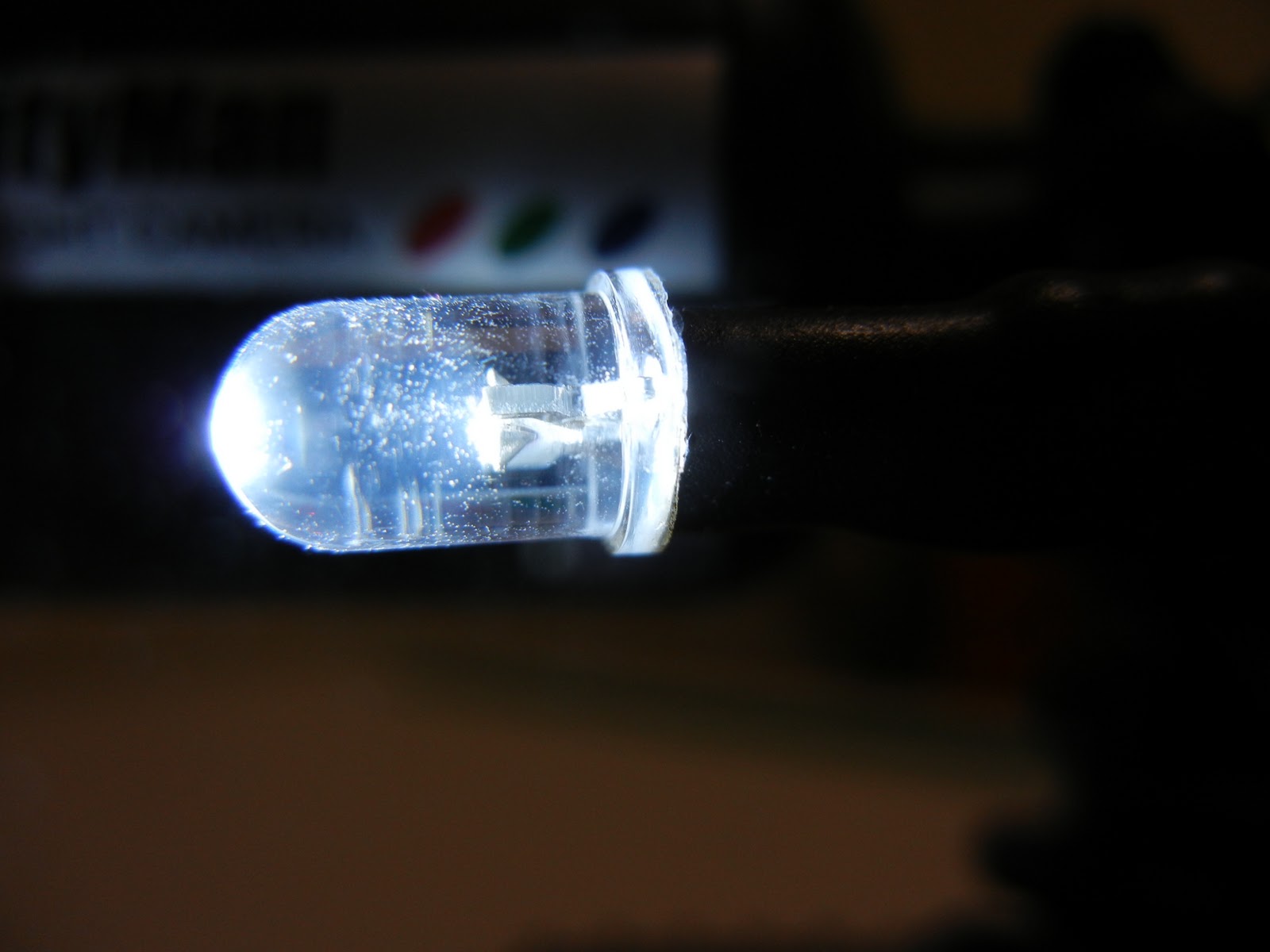
At a glance the robot looks very similar but the main difference is that it has much cleaner wiring and it has the Xbee shield on top. I added an IR switch in front for basic object detection. The new custom circuit includes temperature sensor, light sensor, and speaker output for playing melodies.
While designing the circuit board I added a JST header for some line following sensors I bought a while back when I ordered parts for Sbot 2. They never made it in Sbot 2 but I found a home for them on Sbot 1 which worked out well since they made for a better fit.
I had a HBRC meeting coming up that coming Wednesday and I wanted to have a working robot. So my main goal was to get it moving and add the nonessential stuff later. After finishing soldering the circuit board on Sunday, I was able to start assembly Monday night and finish things up on Tuesday night. That is, in between gaming with my friend on the Xbox, since we both bought the same title the previous week.
Assembly went smooth except the LEDs weren't working at all. Tuesday night I decided to rip them apart and try to get to the bottom of it before the meeting. Well that didn't go very well and it ended up with just bare wires where the LEDs should of been.


Meeting:
The demonstration at the meeting went fairly well except this time I tried to demo the on-board camera but was unable to get the signal working. Turns out it did work for a second; it should of been on channel 2. Oh well, for next time. I was able to finally show my VB.net application which I use for direct control when on the road or testing.
The rest of the meeting was great and I was able to see a demonstration of a exoskeleton up close and personal. As well as network with other people which is always a highlight of the meetings.
Troubleshooting:


Meeting:
The demonstration at the meeting went fairly well except this time I tried to demo the on-board camera but was unable to get the signal working. Turns out it did work for a second; it should of been on channel 2. Oh well, for next time. I was able to finally show my VB.net application which I use for direct control when on the road or testing.
The rest of the meeting was great and I was able to see a demonstration of a exoskeleton up close and personal. As well as network with other people which is always a highlight of the meetings.
Troubleshooting:
Thursday night I decided I had to get to the bottom of why the LEDs weren't working. I decided that it might be due to the fact that I switched to a 3.3v system and the LEDs had a forward voltage of 3.4v. So on my way home from work, I picked up a bag of assorted transistors from Radio Shack to see if I could figure it out.
After many hours of head scratching, bread board testing, and Googling, I still didn't have it working. I could get the LEDs to dimly light up but not to full brightness. I was at a loss to the problem. Finally I put down my soldering iron and decided to call it a night, which is something that is very hard for me to do. I sleep much better if I can figure out a problem before bed or at least know what I need to do that next day to solve it. Before crashing for the night I decided it would be a good idea to post my problem and get another pair of eyes to take a look. I whipped up a schmatic and posted my problem on the Arduino forum. By the time I went to bed and after some back and forth posting, user CrossRoads, who has been very helpful in the past, asked if my pin was set as output. As I was laying in bed I stepped through my code and I realized that might be my problem. I quickly got up, ran to my computer. Sure enough I checked my setup function where I setup my pins and it was missing. No code to setup the LED pins. Doh! I couldn't believe after all this that was the problem. All in all I still needed the transistors so that I could borrow power from the step-up to have full or as close to full brightness that I could possibly have. CrossRoads also helped with getting my transistors setup with the correct resistor values to obtain close to full brightness. Thanks!
Now with the LED problem solved I could move on to the fun stuff! Most of the base code I had written while waiting for the circuit board to arrive. All I needed now was some tweaks and to write two functions for basic autonomous operation. In the past the HBRC has had some tabletop challenges in which I would have liked to compete in but I didn't have a robot built for that. I figured that the line following sensors could probably detect the edge of the table.


Playing with Autonomous:
Saturday was the perfect day to play with and mount my line sensors. My fiance heartsy was having a crafting day with a friend so this left me to focus on my robot. First thing was to mount the sensors and write some testing code to see how well this would work.


First trial run went very well. The sensors return logic 0 for a black surface and logic 1 for everything else, but if there isn't anything in range to bonce off of it will return logic 0. Perfect! After writing some basic code to check to see if the sensor is returning logic 0, past the edge of table. Worked perfect, well for the most part. I mounted the sensor under the front of the robot which means the robot doesn't have very much time to react. For the most part this works but not if the robot is at an angle in relation to the edge of the table. The robot can stop in a position but due to the weight of the camera, it causes it to fall off the table. Of course I was there to catch it. Back to the bench to extend the sensors past the front of the robot and tweak the code as to have more sensor checks per second. This is one case I really wish the Arduino had more interrupts. The two it does have is taken by the battery alert and the front IR switch. Had I thought this through I would have not had the battery use an interrupt and just poll it every few minutes. This would have freed up one interrupt for the line sensor. Either way I was able to tweak the code to have a reasonable response time.
With the tabletop mode working so well I decided to write a function for line following mode. After writing a few If/Then/Else statements I had a basic line following algorithm. For the most part it works fairly well as long as there isn't any sharp turns. I want to go back and try to speed up the code possibly by using millis() function instead of delay() which I did end up using for my sleep function. That way I can check the sensors while adjusting my path.


Both functions are setup to run separate from the main loop. This way all of the other functions cease and everything is dedicated to checking the line sensors and reacting accordingly. The modes are set via a command over the serial port. The tabletop mode is stopped by using the reset button and the line following mode is stopped when the front IR switch detects an object. I will probably change the triggers for stopping the modes but this works for now. To speed things up I am not checking for incoming commands.


Both functions are setup to run separate from the main loop. This way all of the other functions cease and everything is dedicated to checking the line sensors and reacting accordingly. The modes are set via a command over the serial port. The tabletop mode is stopped by using the reset button and the line following mode is stopped when the front IR switch detects an object. I will probably change the triggers for stopping the modes but this works for now. To speed things up I am not checking for incoming commands.
I found this tiny line follower robot on Hackaday which follows a line very well but uses 8 IR sensors on the front.
Monday, December 5, 2011
Finally, it has arrived! (Late Post)
It was the afternoon of November 25, we had finished our Black Friday shopping and had finally gained some needed sleep. I was anxiously awaiting for the mail carrier to deliver my order from BatchPCB. I checked the
mailbox to find my anticipated package had finally arrived. I hurried inside, ripped open the envelope, and
found not one but two beautiful PCB's. Being it the Thanksgiving weekend and wanting to
take good pictures, I wasn't able to start using the boards until Sunday evening. Because playing a new Xbox title took precedence. With the weekend coming to a close I
had to at least get something completed. My photographer (fiance) was able to take pictures before I started going at it with the
soldering iron.
Here are the boards, untouched:


After testing the board I started assembly:


Completed PCB:


Subscribe to:
Comments (Atom)